Pricing
Docs
Home/Solutions/Operations Management

Operations management software for small teams

Operations management software for small teams centralizes recurring work, ownership, files, conversations, calendars, and approvals. It helps teams run daily operations without building a complicated stack.

Operations work breaks down when process, files, approvals, and reporting depend on too many overlapping tools.

Run recurring work, handoffs, approvals, files, calendars, and cross-team operations in one shared workspace.
Best for

  • Operations managers
  • COOs
  • Chiefs of staff
When this usually starts

Teams usually start looking when tool overlap slows onboarding, reporting, and everyday handoffs.

Where time gets lost

When too many tools sit on top of each other, teams enter same information twice, onboarding gets harder, and reporting turns into manual cleanup.

What gets easier

Give teams one clear operating layer for work, approvals, files, and records instead of a stack they have to translate between all day.

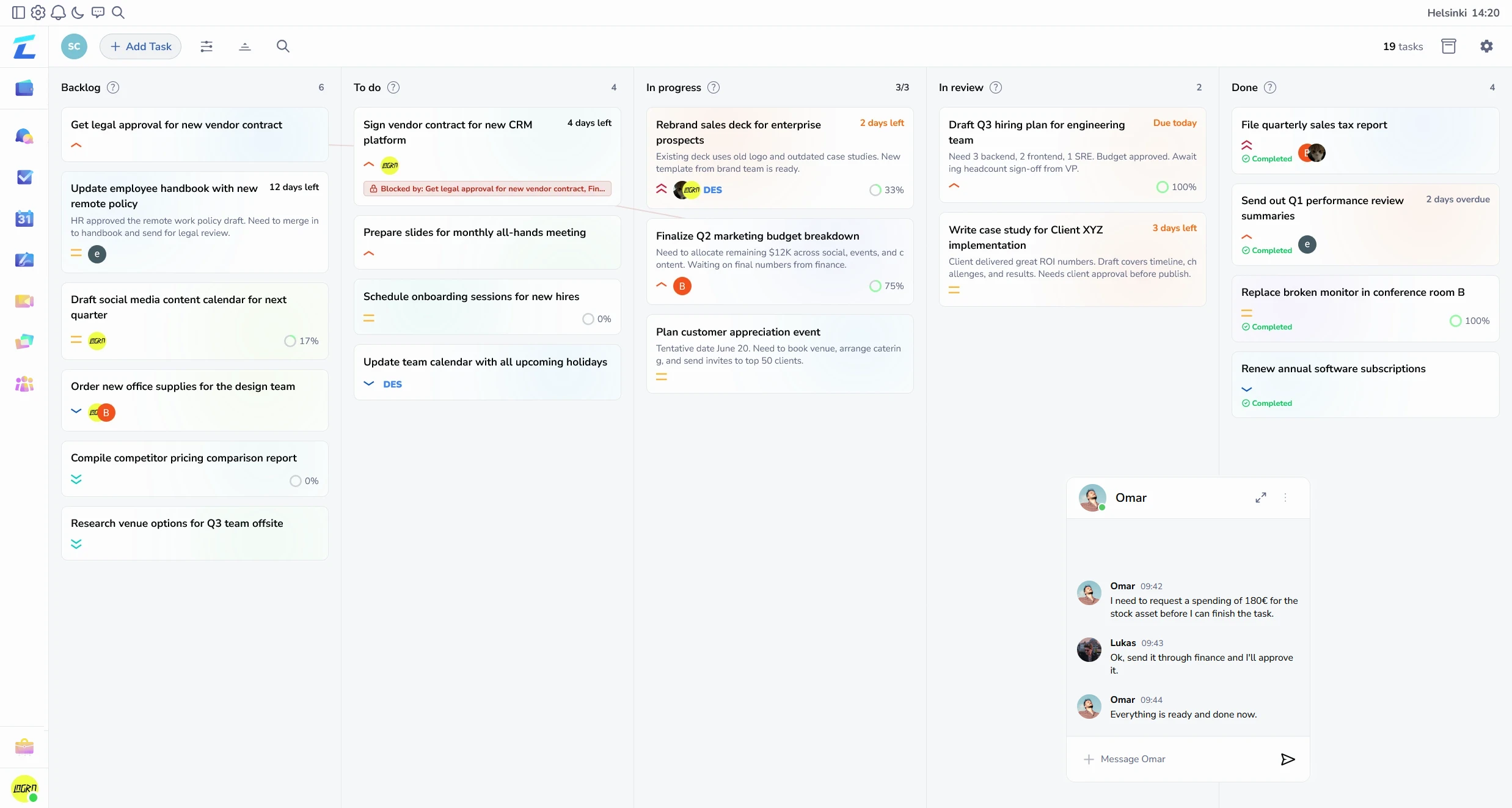
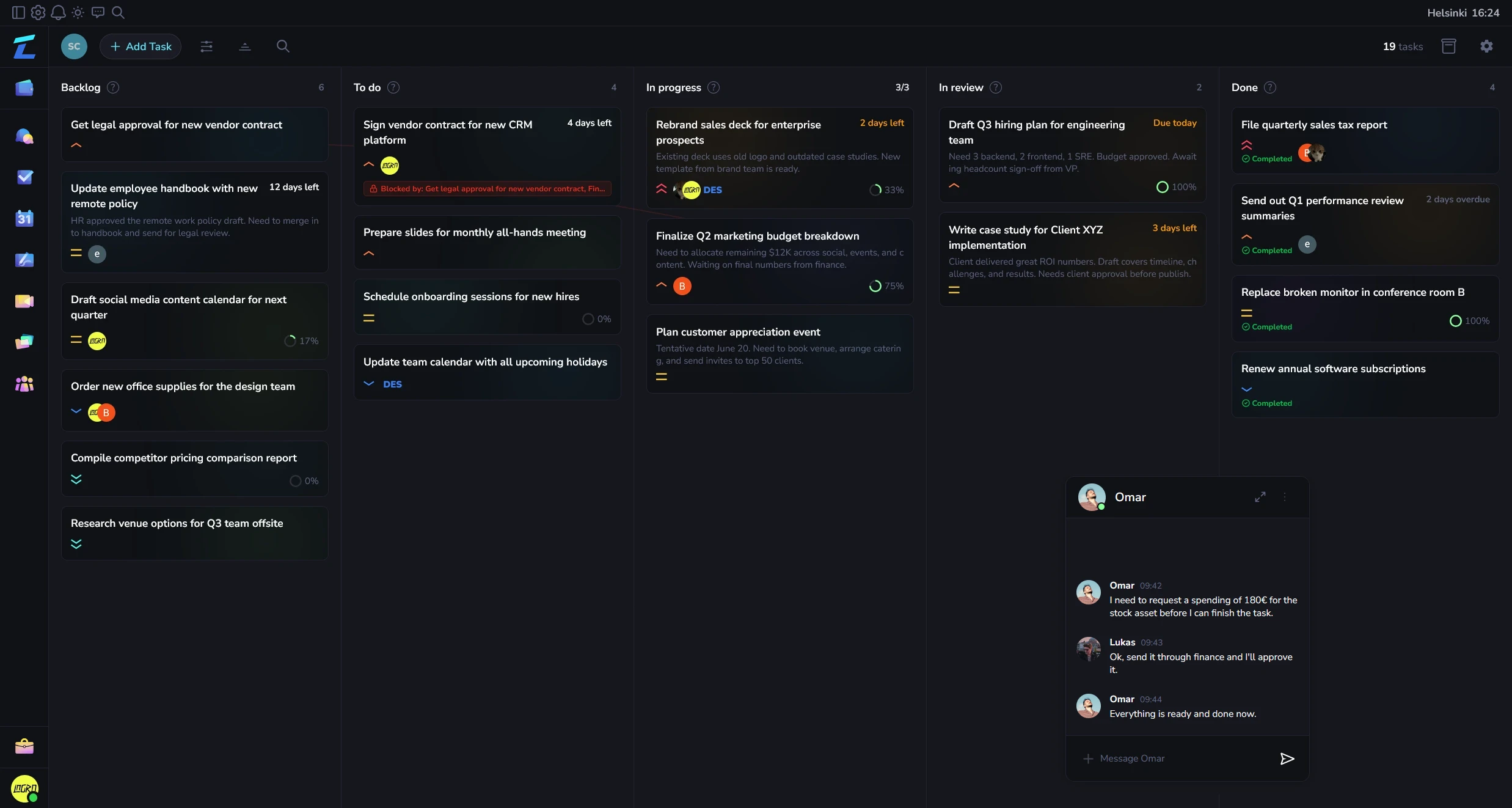
How work flows in one place

Show how work, communication, and follow-through stay connected when teams stop splitting them across separate tools.

Bring everyday work into one system

Move task flow, approvals, and handoffs into one shared workspace instead of stitching together several point tools.

Give every team same operating view

Ops, delivery, and finance see the same records, which cuts status pings and conflicting reports.

Scale process without more confusion

New teammates learn one system, one workflow language, and one place to find context.

Why this works well

People usually want to know three things fast: what becomes easier, what current setup this can replace, and whether it will feel manageable to adopt.

What gets simpler
  • Task flow, approvals, and records stop bouncing between overlapping tools.
  • Reporting gets easier when ops, delivery, and finance look at same workspace.
  • New teammates learn one operating system instead of five partial ones.

What to expect

AreaDetails
Works best whenGrowing teams that already feel tool overlap, onboarding drag, and reporting friction.
Often replacesTask app plus docs plus file layer plus approval flow patched together by operations.
What to see firstMap one existing process into one workspace and compare it against current stack.

If you want a tool that handles small-team operations, communication, files, approvals, and finance out of the box, Lyniti was built for exactly this.

Related features

Features

Task management software with Kanban and list views

Kanban task management for projects, priorities, subtasks, dependencies, attached files, and connected team conversations.

Team calendar and scheduling software

View workspace events and task deadlines together in month and day views, with search, filters, event details, and event management.

File management software for teams

Business file management with folders, previews, search, uploads, client file areas, and role-based access controls.

Financial approval workflow software

Create income and expense requests, control who can approve or reject them, record decisions, and connect approved one-time requests to bookkeeping.

Business finance management software

Finance operations workspace for income and expense requests, approvals, live metrics, KPI targets, and cash flow.

Team chat for project management

Real-time team chat for project channels, private messages, client conversations, decisions, and file sharing.

Solutions for

Team Workspace + Finance

Teamwork with built-in finance management

Project Management + Financial Approvals

Project-aware income and expense decisions

Project Management

Projects with chat, files, tasks, approvals

Frequently asked

questions

What is operations management software for small teams?

Operations management software for small teams centralizes recurring work, ownership, files, conversations, calendars, and approvals. It helps teams run daily operations without building a complicated stack.

What features should operations management software for small teams include?

Useful features include task ownership, shared calendars, team chat, files, approvals, reusable workflows, and workload visibility.

Who is operations management software for small teams for?

It suits small operations, service-delivery, administration, and cross-functional teams with recurring workflows.

How does operations management software for small teams improve daily work?

It makes handoffs visible, reduces status chasing, and gives each person a clear next action.

Does operations management software for small teams include finance management?

It can. Lyniti also links operational work to invoices, expenses, bookkeeping, and finance reporting when needed.

Operations Management Software for Small Teams

Run recurring work, handoffs, approvals, files, calendars, and cross-team operations in one shared workspace.

Start ops trialStart ops trialView Pricing

The all-in-one business collaboration platform that replaces multiple tools, streamlines workflows, and reduces costs for modern teams.

Product

  • Features
  • Pricing
  • Documentation

Features

  • Chat
  • Bookkeeping
  • Double-entry
  • Finances
  • Financial Approvals
  • Invoices
  • Whiteboard
  • Files
  • Meet
  • Tasks
  • Calendar
  • CRM

Solutions

  • Agencies
  • Operations
  • Finance & Admin
  • Projects
  • Freelancers
  • Governance
  • Teams + Finance
  • Projects + Bookkeeping
  • Design studios
  • Consultants
  • Remote teams
  • Projects + Invoicing
  • Client Portal
  • Projects + Approvals

Compare

  • vs 17hats
  • vs Airtable
  • vs Asana
  • vs Basecamp
  • vs ClickUp
  • vs Discord
  • vs Dropbox
  • vs Google Workspace
  • vs Jira
  • vs Linear
  • vs Microsoft Teams
  • vs Miro
  • vs monday.com
  • vs Notion
  • vs Plutio
  • vs QuickBooks
  • vs Rock
  • vs Salesforce
  • vs Slack
  • vs Smartsheet
  • vs Trello
  • vs Wimi
  • vs Wrike

Company

  • About
  • Blog
  • support@lyniti.com
  • Service status

Legal

  • Trust Center
  • Privacy Policy
  • Terms of Service
  • Cookie Policy
  • Imprint
  • Additional cookies
    Allow optional analytics and Google Ads conversion cookies.

© 2026 Lyniti. All rights reserved.

Made with love and Lyniti